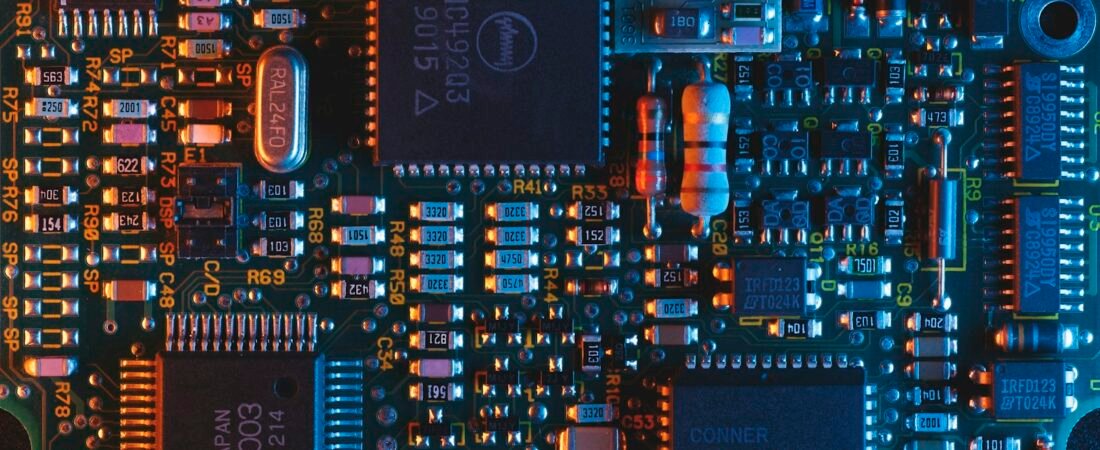
Quick answer: An NPU (Neural Processing Unit) is a small chip designed for one job: running AI tasks efficiently. It powers features like background blur on video calls, live captions, photo editing tricks and on-device assistants, using far less battery than the main processor would. It’s useful, but for most people it shouldn’t be the deciding factor when buying a laptop.
CPU, GPU and NPU: who does what?
Think of your device as a small team:
- The CPU is the all-rounder. It runs Windows, your apps and your browser, and can do almost anything, but not always efficiently.
- The GPU is the graphics specialist. It’s brilliant at doing thousands of small calculations at once, which is why it’s great for games and also for heavy AI work, but it uses a lot of power.
- The NPU is the AI specialist. It’s built specifically for the maths behind AI models and does it while sipping power.
Phones have had NPUs for years. Apple calls its version the Neural Engine, and Qualcomm, Google, Samsung and MediaTek all build their own. What’s new is that they’re now standard in laptops too, with Intel, AMD, Qualcomm and Apple chips all including one.
What does an NPU actually do for you?
- Video calls: background blur, eye-contact correction and noise cancellation without draining your battery.
- Live captions and translation: real-time subtitles for any audio playing on your device.
- Photos: removing objects, improving low-light shots and finding pictures by describing them.
- On-device assistants: summarising text or answering questions without sending your data to the cloud.
The big advantages are battery life (AI work moves off the power-hungry CPU and GPU), speed (no waiting for a server) and privacy (your data can stay on your device).
What does “TOPS” mean?
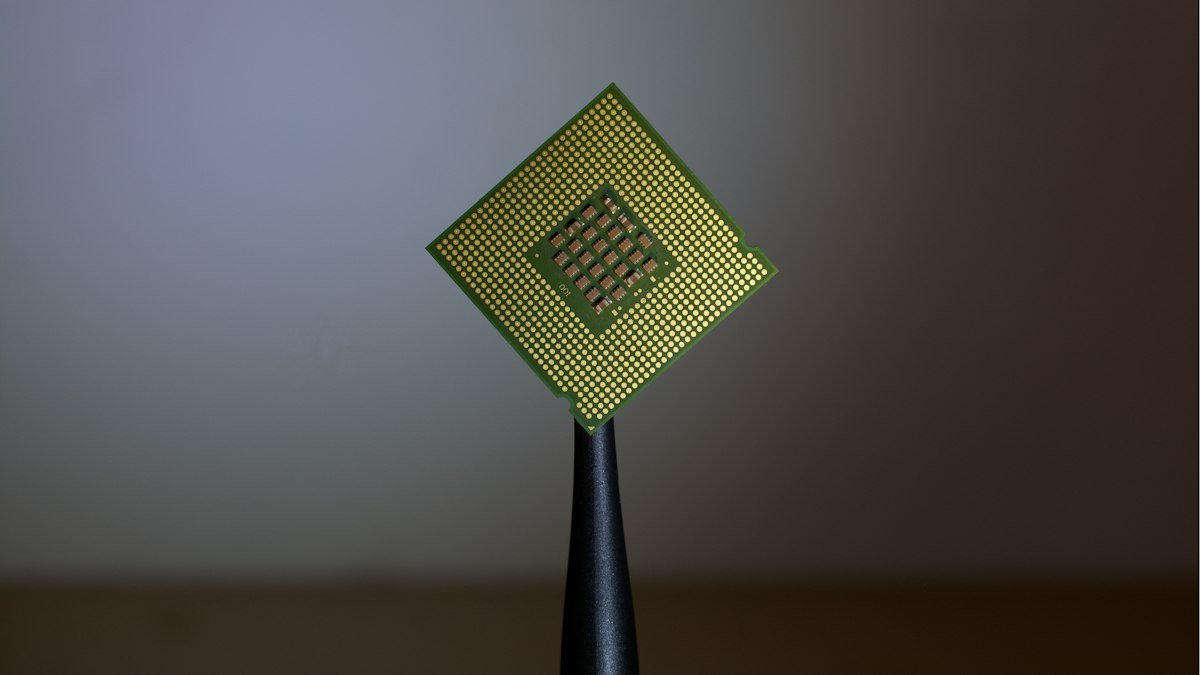
NPU performance is measured in TOPS: trillions of operations per second. More TOPS means the chip can handle bigger or faster AI tasks. Microsoft, for example, requires an NPU of at least 40 TOPS for a laptop to carry its “Copilot+ PC” label and run certain Windows AI features.
But treat TOPS like a car’s top speed: a useful number, not the whole story. How well apps actually use the NPU matters far more, and different companies measure TOPS in slightly different ways.
Do ChatGPT and other chatbots use my NPU?
Usually not. When you use a chatbot in your browser, the heavy lifting happens on the company’s servers, not on your laptop. Your NPU matters for features built into your operating system and for apps designed to run AI locally.
Should you buy a laptop for its NPU?
Here’s our honest take:
- If you’re buying a new laptop anyway, you’ll get an NPU automatically, and it’s a nice bonus for battery life and video calls.
- If your current laptop works well, there’s no need to upgrade just for an NPU. The AI features are helpful, not life-changing.
- Prioritise the basics first: at least 16 GB of RAM, a good screen, solid battery life and enough storage. These affect your day far more than TOPS.
The bottom line
An NPU is to AI what a GPU is to graphics: a specialist that does one job far more efficiently than a generalist. It’s becoming standard everywhere, it quietly makes everyday features faster and more battery-friendly, and it’s worth having. Just don’t let a big TOPS number distract you from the things that matter most in a laptop.