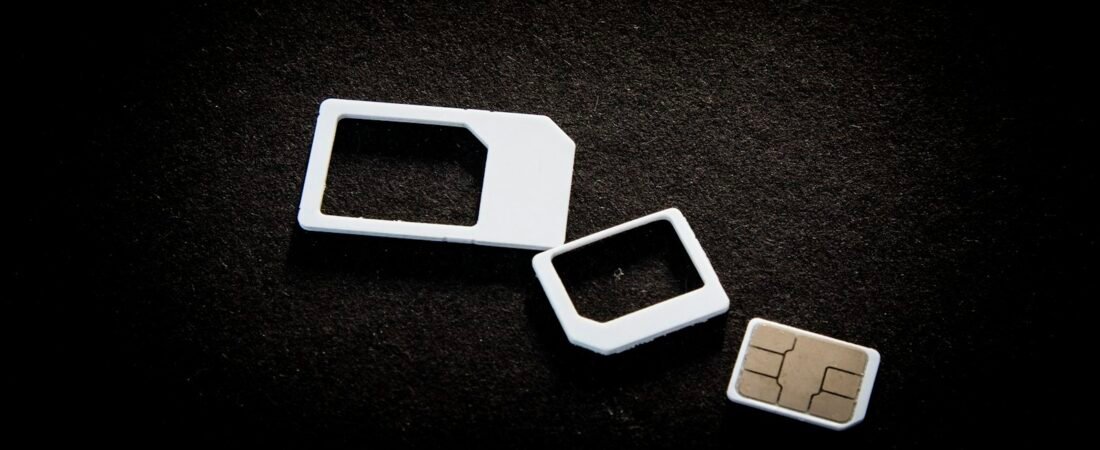
Quick answer: An eSIM does exactly the same job as a plastic SIM card, but it’s a chip built into your phone that you set up digitally. It’s more convenient, harder to steal and brilliant for travel. Switch if your phone and mobile network support it, but know how to move it when you change phones.
What exactly is an eSIM?
The “e” stands for embedded. Instead of a removable card, your phone has a small chip soldered inside. Your mobile network sends your plan’s details to that chip, usually by having you scan a QR code or tap a button in their app. Most recent iPhones, Google Pixels, Samsung Galaxy phones and many other models support eSIM, and some newer iPhones sold in certain countries no longer have a physical SIM slot at all.
eSIM vs physical SIM at a glance
| eSIM | Physical SIM | |
|---|---|---|
| Setup | QR code or app, in minutes | Wait for a card or visit a shop |
| Multiple numbers | Store several profiles, use two at once | One per slot |
| Security | Can’t be removed if phone is stolen | Thief can pop it out |
| Switching phones | Needs a transfer step | Just move the card |
| Travel | Buy local data before you land | Buy a local card on arrival |
The big advantages
- Travel made easy: buy a data-only eSIM for your destination before you leave, and switch it on when you land. You avoid roaming charges and airport SIM kiosks.
- Two numbers, one phone: keep a personal and a work number on the same device and choose which one to use for calls, texts and data.
- Better theft protection: a thief can’t simply remove your SIM to stop you tracking your phone.
- Instant switching: change network or plan without waiting for a card in the post.
The downsides to know about
- Changing phones takes a step. Many phones offer a built-in eSIM transfer during setup, but sometimes you’ll need to contact your network for a new QR code.
- Not every network or plan supports it, especially some prepaid and budget providers, so check first.
- Don’t delete it casually. If you remove an eSIM profile from your phone, you usually need your network to issue a new one.
How to switch to an eSIM
- Check your phone supports eSIM: look in Settings → Mobile/Cellular (iPhone) or Settings → Network & internet → SIMs (Android).
- Ask your network to convert your number to eSIM. Many let you do this in their app.
- Scan the QR code or follow the in-app prompt, connected to Wi-Fi.
- Once your eSIM is working, the old physical SIM stops working. Keep it until you’ve confirmed calls and data work, then dispose of it.
Should you switch?
If you travel, want two numbers, or simply like the convenience, yes. eSIM is the future and it’s already reliable. If you swap phones constantly or share a SIM between devices, a physical SIM is still slightly easier. Either way, your calls, texts and data work exactly the same.