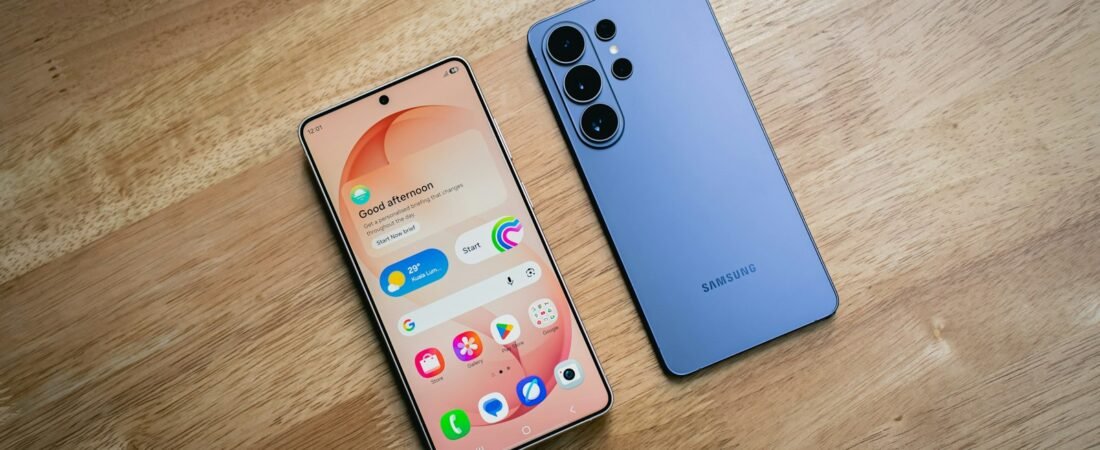
Quick answer: Open your phone’s Files app (on Samsung, My Files) and tap Downloads. Files from Chrome and most apps land there. Can’t see it? Use the search bar in the Files app and type part of the file name.
Downloading something on Android is easy; finding it afterwards can be surprisingly confusing. Here’s where to look.
1. The Files app’s Downloads section
- Google Pixel and many others: open Files by Google and tap Downloads (or browse Internal storage → Download).
- Samsung: open My Files and tap Downloads.
- Xiaomi, Vivo, Oppo, OnePlus, Realme: open the File Manager or Files app and look for Downloads or the Download folder.
Sort by date so your latest download is at the top.
2. Straight from Chrome
In Chrome, tap the three dots and choose Downloads. You’ll see everything Chrome has downloaded, and tapping a file opens it. Long-press for options like share or delete.
3. The notification shade
Right after a download finishes, a notification appears. Tap it to open the file. If you swiped it away, use method 1 or 2.
WhatsApp files are elsewhere
Photos, videos and documents you receive on WhatsApp don’t go into Downloads. Look in:
- Gallery or Google Photos for images and videos (look for a WhatsApp Images album).
- In the Files app, Internal storage → Android → media → com.whatsapp → WhatsApp → Media, where you’ll find folders for documents, images and audio.
- Easiest of all: open the chat, tap the contact’s name and choose Media, links and docs.
Still can’t find it?
- Use the search in the Files app with part of the file name or its type (like “pdf”).
- Check the Recent section of the Files app.
- If the download failed or was cancelled, it won’t be saved. Try again on a stable connection.
Keep Downloads under control
Old downloads quietly eat up storage. Sort by size and delete what you no longer need. Our guide 9 ways to free up space on Android has more tips.
Safety tip: Be very careful with .apk files in your Downloads. Installing apps from outside the Play Store is a common way scammers take over phones. Delete any APK you didn’t deliberately download from a trusted source.