
Quick answer: Be suspicious of any message that creates urgency, asks you to click a link to “verify” or “unlock” something, or requests money, codes or passwords. The safest habit: never act from the message itself. Open the company’s app or type its website address yourself.
Phishing is when scammers pretend to be someone you trust, like your bank, a delivery company, your boss or even a family member, to trick you into handing over money or information. With AI tools, scam messages now have perfect grammar and look very convincing. Spelling mistakes are no longer a reliable clue, but these red flags still are.
1. It’s urgent or threatening
“Your account will be closed in 24 hours.” “Unusual sign-in detected: act now.” Pressure is the scammer’s favourite tool, because people who are rushed don’t stop to think. Real companies rarely demand instant action through a message.
2. The sender doesn’t quite match
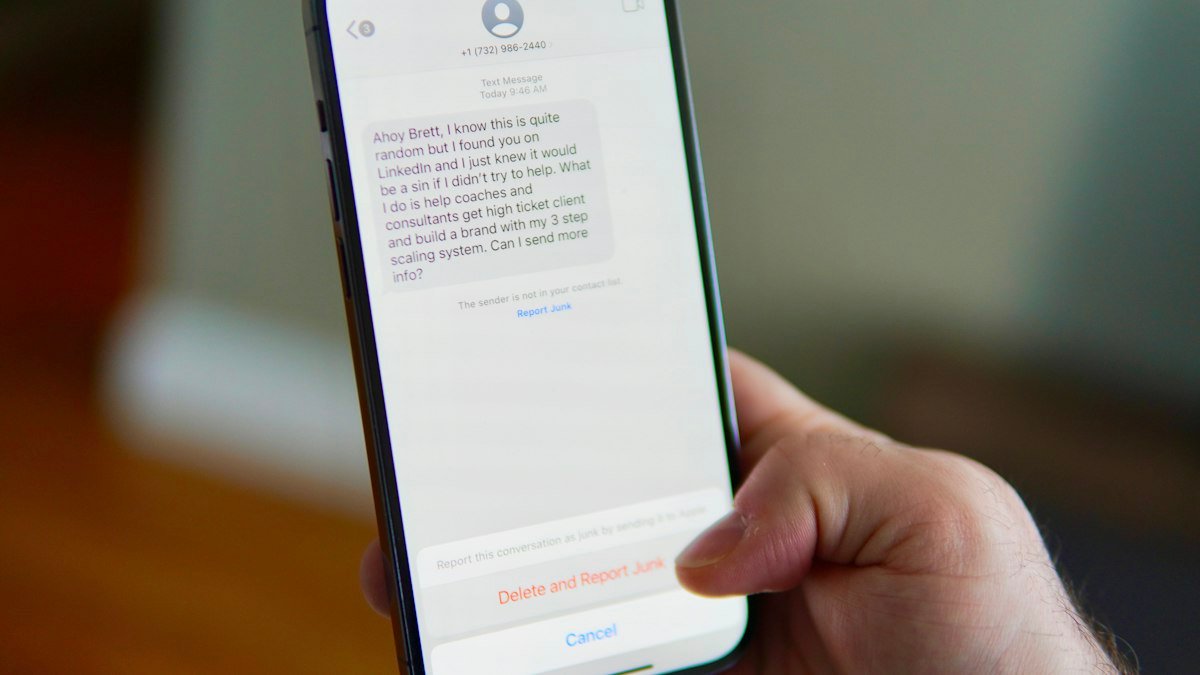
Check the actual email address, not just the display name. “PayPal Support” sending from a random Gmail address, or a domain like paypa1-security.com, is a giveaway. For texts, a “bank” message from an unknown mobile number is a warning sign.
3. The link goes somewhere strange
On a computer, hover over a link to preview where it really leads. On a phone, press and hold it to see the address without opening it. If the domain isn’t exactly the company’s real website, don’t tap it.
4. It asks for a code, password or card details
Legitimate companies never ask you to send a one-time code, your full password or your PIN by message or phone. If anyone asks for a verification code you just received, it’s a scam: they’re trying to log in to your account.
5. It’s too good to be true
Prize wins, refunds you didn’t expect, crypto opportunities with guaranteed returns, or a job offer with amazing pay for little work. If you didn’t enter, you didn’t win.
6. There’s an unexpected attachment
Invoices, “shipping documents” or “voicemails” sent as attachments, especially .zip, .html or Office files that ask you to “enable content”, are a classic way to install malware.
7. “Hi Mum, I’ve got a new number”
Scammers pose as family members who’ve “lost their phone” and urgently need money. Always call the person on the number you already have, or ask a question only they would know, before sending anything.
8. They want an unusual payment method
Requests to pay with gift cards, cryptocurrency or a bank transfer to a “safe account” are almost always fraud. Real organisations don’t work this way.
The one habit that beats almost every scam
Go direct. If a message says there’s a problem with your bank, delivery or account, don’t use its links or phone numbers. Open the official app, or type the website address yourself, and check there. If the problem is real, you’ll see it.
What to do if you clicked
- Entered a password? Change it immediately, along with any other account that uses the same password, and turn on two-step verification or a passkey.
- Shared card or bank details? Call your bank using the number on the back of your card and ask them to block it.
- Downloaded a file? Disconnect from the internet and run a full antivirus scan.
- Report it to the company being impersonated and your country’s fraud reporting service, and warn friends and family.
Falling for a scam isn’t a sign of being foolish. These messages are designed by professionals. Acting quickly is what matters most.